
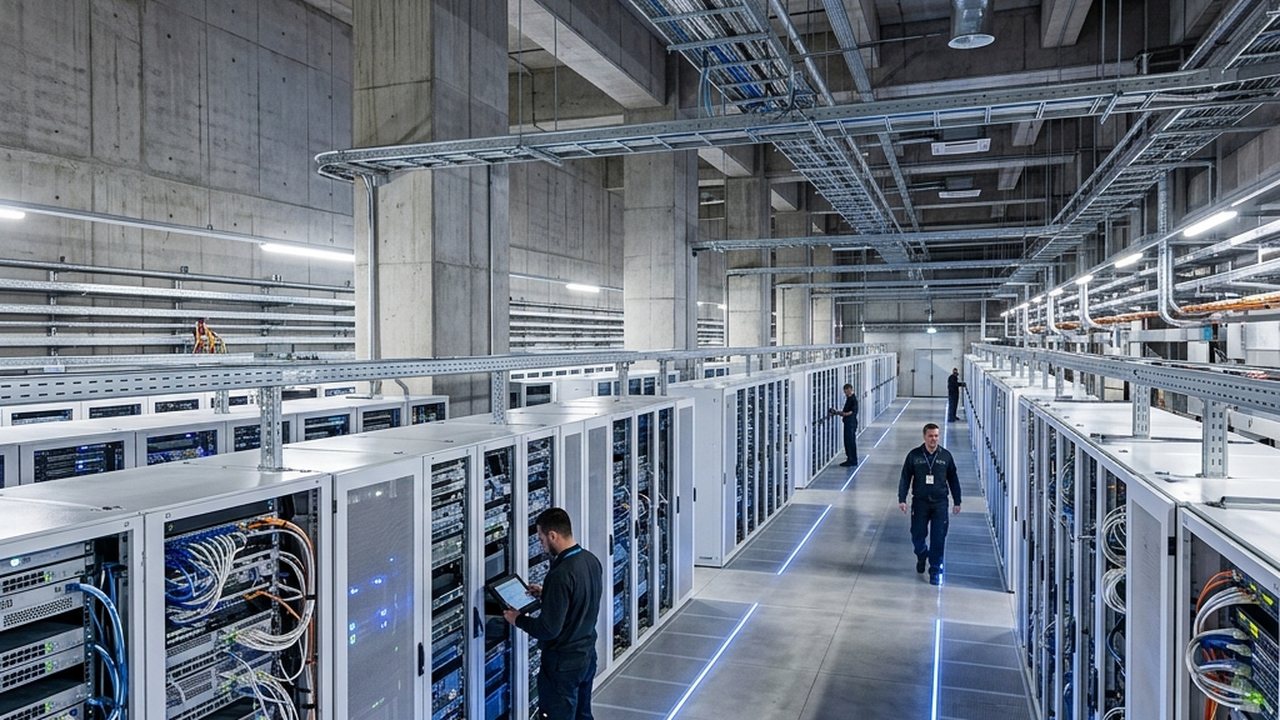
Replace six data centres of storage with one, proven on your own files.
Up to 80% smaller storage (about 68% on a real mixed estate), every byte SHA-256 verified. That is what a fifth of your text, log and database footprint costs you to keep instead of all of it, read back faster than most drives can even hand you the data, and checked byte for byte on the way in. The 2.2 GB/s figure is a native chunker benchmark on the measured host path; the browser upload proof can show lower throughput because it includes upload, browser and server-demo overhead.
And every byte is checked by SHA-256 round-trip; our cache-resident integrity benchmark is 30 GB/s against the listed baselines, so what you store is verified, never guessed.
An investment-grade model of what that takes off a data centre: storage, energy, water, cooling, floor space and capital, down to the net present value. Every assumption is yours to change, and every default is sourced. We measure in servers replaced, the way James Watt sold engines in horses. Five units of text storage become one: measured, a third under gzip. And the proof we live by: the whole site runs on our own ElaraShrink + ElaraShrink Server — we run our business on the engine we sell. Continuity is simple at this size: the whole deployment rebuilds from a single archive in minutes, on any box.
This is the proof. Not our word, and not a third party's, because the only number that counts is the one off your own data. Drop as many files as you want — logs, CSVs, JSON, a database dump, a model checkpoint, any mix — up to 200 MB in total. We pack them into one .ElaraSh on the very server you are reading from and show you each file squeezed before and after, free. To download the .ElaraSh, just tell us where to send your code. Your files are never stored. Drop a video or a zip and it tells you plainly it cannot shrink that one, while still proving the bytes are unchanged. Honest even when it loses.
The engine behind the headline. It reads the shape of your structured data and squeezes it tighter than every standard codec, brotli and zstd included, measured and byte-for-byte verified. It checks integrity at 30 GB/s, faster than xxHash and 61 times faster than SHA-256 — a fast integrity check that catches corruption, while SHA-256 stays the cryptographic fingerprint of record in every archive. The two work together; one does not replace the other. Across a real mixed estate it takes up to 80% off — about 3–4× — and far more on logs and structured tiers, which the chart above breaks down by data type. Already-dense video and audio are the exception, and we say so plainly. The storage you do not keep is power you do not draw, water you do not evaporate, floor you do not cool, and buildings you do not put up. The cheapest data centre is the one you never build. Don't take our word: drop your own file in the box above and watch it shrink, byte-for-byte verified, in two seconds.
Not a screenshot, and not a third party's word. These are the real numbers off the server rendering this page right now, refreshed every few seconds: the cores it runs on, the load, the memory, the disk it reads, and the engine compressing a live sample and proving the bytes came back identical. Small hardware by design, serving the planet. The squeeze is the engine; the speed scales with your hardware.
3 · Advanced assumptions (optional — every default is sourced)
We address the report to you personally, so please add every detail. All fields required.
The model everyone talks about is the small part. The data it learns from is the big part. A frontier model holds about 0.8 TB of weights and is trained on roughly 60 TB of text. That is about 75 times more data than model [2]. Add the raw corpus it was filtered from, the cleaned copies, the checkpoints and the run logs, and the training estate dwarfs the model many times over. Shrink that estate by three quarters and you change the size of the building. The weights barely move, and they are the part you do not need to shrink. So when storage gets called a rounding error next to compute, that is the model talking. At training scale the data estate is the bigger line by 75 to 1, and it is the line we cut.
There is a second prize. Smaller data moves faster: fewer bytes through every link, every cache and every disk read is more work out of the compute you already paid for, so the same data-loaders feed the same GPUs from a quarter of the bytes. You do not have to take the throughput on faith either, the serving meter above is the real encode and decode rate off this very server, live. The squeeze is the engine and it is the same on any hardware; the speed scales with yours.
Blended from the measured per-type ratios in the model above, on a typical data mix for each industry. Your own mix re-prices it live.
| Industry | What they store most | Typical saving | Why |
|---|---|---|---|
| Banks | Transaction logs, records, databases, compliance archives | 70–75% | Structured and repetitive, our home ground |
| Insurance | Policies, claims, actuarial records | 60–70% | Text and records compress hard; scans less |
| Courier & logistics | Tracking, telemetry, route and parcel data | 75–80% | The structured data we squeeze best |
| Airlines | Operations logs, sensor feeds, schedules, databases | 70–80% | Logs and telemetry are our home ground |
| AI labs | Training data, checkpoints, run logs (weights barely move) | 70–80% | Training data dwarfs the model, and it compresses |
| Media & streaming | Video and audio (already dense) plus metadata, logs, transcripts | 15–30% | The media barely moves; the data around it does |
Data keeps growing across all of them, roughly a quarter more every year [4], so the saving compounds. We state media plainly: already-compressed video and audio do not shrink much, and we do not pretend otherwise.
This is a tech page, so here is the race. Every figure measured on one machine, round-trip verified, reproducible at route.elara-cortex.com/benchmarks. We do not cherry-pick: where a tool wins, we say so.
On the structured data a data centre is full of, we squeeze about a third more than zstd, the codec most data centres run today, and we hash about 60× faster than the SHA-256 standard.
Our hash is a fast integrity check (it catches corruption); SHA-256 stays the cryptographic fingerprint of record in every archive header. They work together, they do not replace each other.
| Hash | GB/s | head to head |
|---|---|---|
| .LEKOLA CORTEX hash | 30.0 | measured cache-resident benchmark |
| xxHash (the field speed champion) | 21.0 | we are faster |
| BLAKE2b | 0.78 | we are ~38× faster |
| SHA-256 (the world standard) | 0.49 | we are 60× faster |
| Codec | ratio | head to head |
|---|---|---|
| ElaraShrink Server turbo (shape-first, then best of four) | 1.86× | tightest, and it picks the winner for you |
| brotli-11 (the strongest standard codec) | 1.66× | we are 12% tighter |
| zstd-22 long (the data-centre default) | 1.37× | we are 36% tighter |
| gzip-9 (the old default) | 1.27× | we leave it far behind |
The honest line a CTO respects: on the raw shrink of a single everyday file, the best standard codecs are excellent, and we run them underneath and pick the winner for you, so you never lose to the field. The place we pull clear ahead is the structured data a data centre is full of, where the shape-first step beats every single codec, and integrity, where nothing comes close. On already-dense video and audio nothing shrinks, and we say so.
Shrink a file free in the box above, then take the free 14-day binary and run your own data through it. The number in your report should come from your files, not ours.
Point ElaraShrink Server at a single storage tier: your logs, your backups, your records. Measure the real saving on real data. No rip and replace, no lock-in.
The saving compounds across every copy, every region, every year. Each tier you move pushes the next build further away.
It is a library and a small native binary, not another service to operate. In your deployment it drops in as one layer in the image you already ship, runs inside your own pods, and the data stays inside your tenancy. The free browser proof above is different: it uploads to this demo server so you can verify the round trip before installing anything.
Observability is built in: scrape /v1/meter_live (the live meter above) into Prometheus and Grafana for cores, I/O and live compression per pod. The engine ships as a multi-arch image layer, so the same artefact runs on your nodes and on ours, byte for byte.
How does it work, and how does it compare?
Start with what the standard tools do, measured on our own files. gzip, the old default, gets data about 60 to 70% smaller. zstd, what most modern data centres run, about 74 to 83% and fast. brotli and lzma, the strongest but slower, about 76 to 84%. ElaraShrink Server turbo lands at the top of that range, and then goes further on structured data. How: before it compresses, it reads the shape of your data and lines the patterns up, a step the standard tools skip. Then it runs zstd, brotli, lzma and PPMd underneath and keeps the smallest, so you always get the best result without choosing or tuning a codec. On the structured data a data centre is full of, logs, metrics and columns of numbers, that shape-first step pulls clear ahead of every single tool: 40% tighter than zstd, 12% tighter than brotli, measured and byte-for-byte verified. On already-dense video and audio nothing shrinks, and we say so plainly.
Is it lossless?
Yes. Every byte comes back identical, proven by a SHA-256 check on every file. Nothing is lost, ever.
Does it actually beat the standard tools?
On structured data, the kind a data centre is full of, about twice the squeeze. We measure 38.73× on a 10 MB log where zstd, the strongest standard setting, gets 22.38×. On everything else it runs the best standard codecs and keeps the smallest, so you never lose to the field. It does this by reading the shape of your data and lining the patterns up before it compresses, a step the standard tools skip. And by construction it never loses: it races the best standard codecs on every file and keeps the smallest, so the floor is the best the field can do. Fresh head-to-head on a varied 10 MB application log, round-trip verified: ours 7.60×, brotli‑11 7.01×, zstd‑22 6.92×. The more regular your records, the wider the gap. You do not have to take any of it on faith: run the binary's own benchmark on your file and it prints the ratio, the codec it picked, and confirms the bytes came back identical.
What about video and audio?
They are already dense, so they barely move. We say so plainly on this page and never charge you for air that is not there.
How do I know it holds up? Do I need an independent benchmark?
You do not take our word for it, because you run it yourself. Prove it on your own data, right here in the box above and with the free 14-day binary, so the number in your report comes from your files, not ours. That is exactly why we say try it free: the demo is the benchmark, on your data. Public-founder credentials are separate from this product benchmark and are not used as proof of your compression result.
Where does my data go?
In a self-hosted deployment, it runs on your own servers and stays inside your network boundary. In this public browser proof, the selected files are uploaded to the demo server to produce the pack and SHA-256 round-trip receipt, then the result is returned to you.
Can it compress binaries, or only data? Both?
Both. Any bytes go in and identical bytes come back. The ratio follows the data: text, logs, JSON, columns of numbers and database dumps shrink the most, and that is what a data centre is mostly full of. Program binaries and libraries have structure and shrink moderately. Things that are already compressed, a zip, a video, most container base layers, barely move, and it tells you so plainly while still proving the bytes came back unchanged. You never have to sort your data first: it reads each input and keeps the best result.
Do I move my data into your container?
For production, no. It runs inside your stack, as a library in your own process or a small sidecar in your own pod. You point it at a storage tier, or call compress() on what you already write. The public page's upload box is only the free proof path, not the enterprise data path.
How does the operating system see it, and what CPU and memory does it use?
As an ordinary process. In-process it is a native library your service loads; as a sidecar it is one small process beside your app. It is busy on the CPU only while it is compressing or decompressing, and idle the rest of the time. Memory stays bounded because it works in chunks rather than loading whole files, so a 100 GB archive never needs 100 GB of memory. It uses the cores you give it and no more. The live meter above shows exactly this off our own server: the cores, the CPU load, the memory, and the engine running, right now.
How hard is it to put in?
One binary. Point it at a tier. No agents to roll out, no rewrite, no change to how your applications read or write.
How does it sit with my object store, and what is my exit?
It works behind an object or file tier, so your applications keep reading and writing the way they do today. The archive format is open and the integrity check is a public standard (SHA-256), so your data is never locked to us. If you ever walk away, your data unpacks with the format, not with our company. Email hello@elara-cortex.com for the format specification and a source-escrow arrangement before you sign.
What about retention rules and WORM archives?
Compression happens before your retention layer, not instead of it. The compressed archive is a file like any other: write it to WORM or immutable storage and your retention lock, legal hold and audit trail apply to it unchanged. The SHA-256 in every archive header gives your auditors a fixed fingerprint of the original bytes for the life of the record.
Our own numbers are measured on our own files and reproducible at route.elara-cortex.com/benchmarks. The reading below is where the wider thesis comes from: data is growing, data centres are expensive to build, power and cool, and for AI the training data dwarfs the model.
- The economics of data centres (DataCenter Ltd) — why a data centre is a capital decision, not a line item.
- Data centres and data transmission networks (IEA) — the energy a data centre draws, and where it is heading.
- Global Data Center Survey (Uptime Institute) — real-world power use efficiency (PUE), the multiplier on every watt you store.
- Environmental Report (Google) — published PUE and water use per kilowatt-hour, the numbers in our model.
- Electricity data (US EIA) — the industrial electricity price the saving is multiplied by.
- The Llama 3 Herd of Models (Meta AI) — a 405-billion-parameter model trained on about 15 trillion tokens: the data dwarfs the model.
- Training Compute-Optimal Large Language Models (Hoffmann et al., DeepMind) — why a good model needs roughly 20 times more training tokens than it has parameters.
- S3 storage pricing (AWS) — a public reference for what a terabyte a month actually costs to keep.
- Zstandard (Meta) — the modern compression most data centres run, and the bar we measure against.
- Brotli compressed data format (RFC 7932) — the strongest standard codec, the one we put our squeeze next to.